Snap gifts and cards
Take a photo of the gift, card, or both. WrapSheet can help identify gift details so the list starts clean.
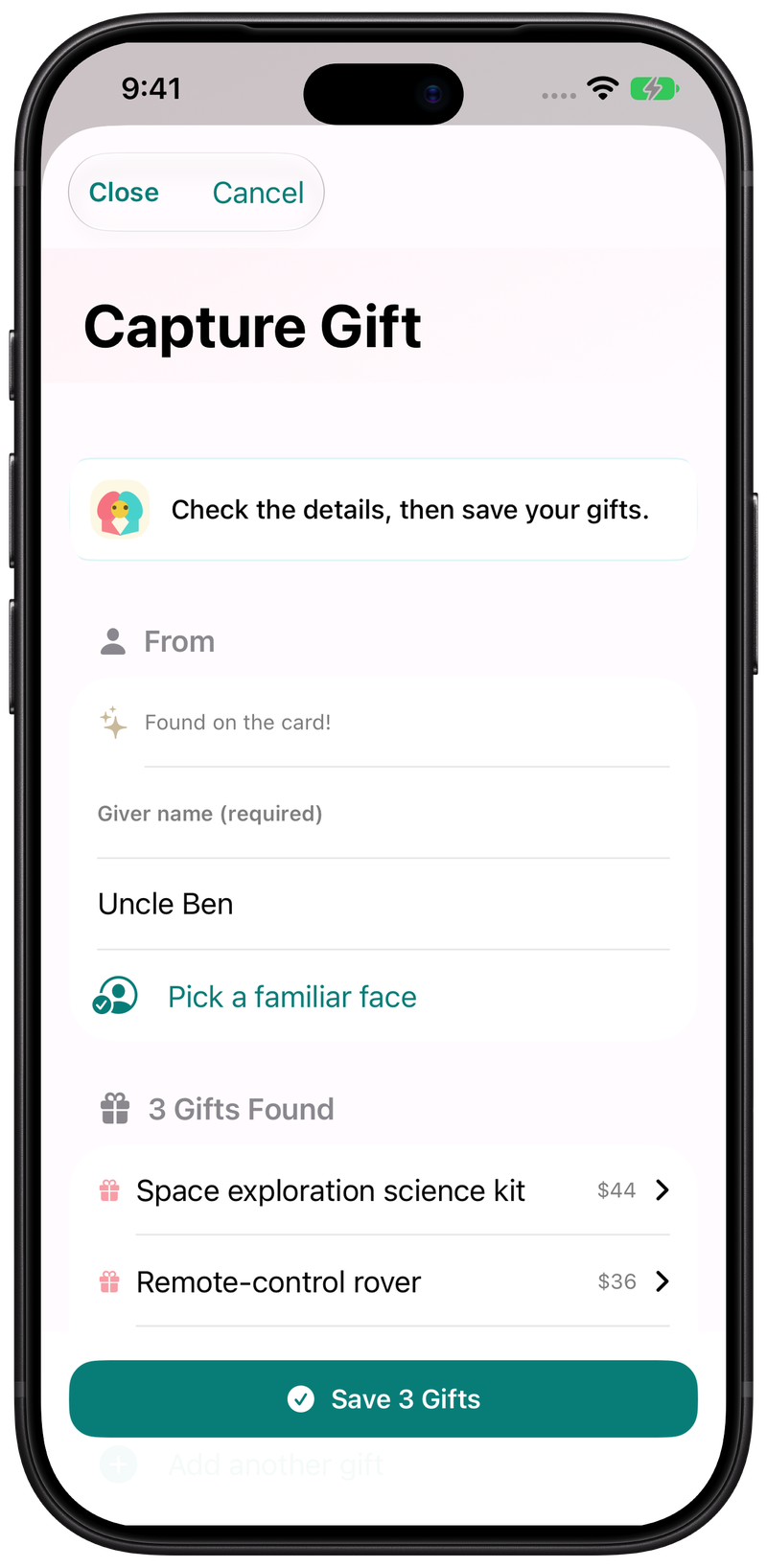
Let the gift-list keeper photograph each present and card. Save the giver while they're still together, then draft thank-yous from the list when you're ready.
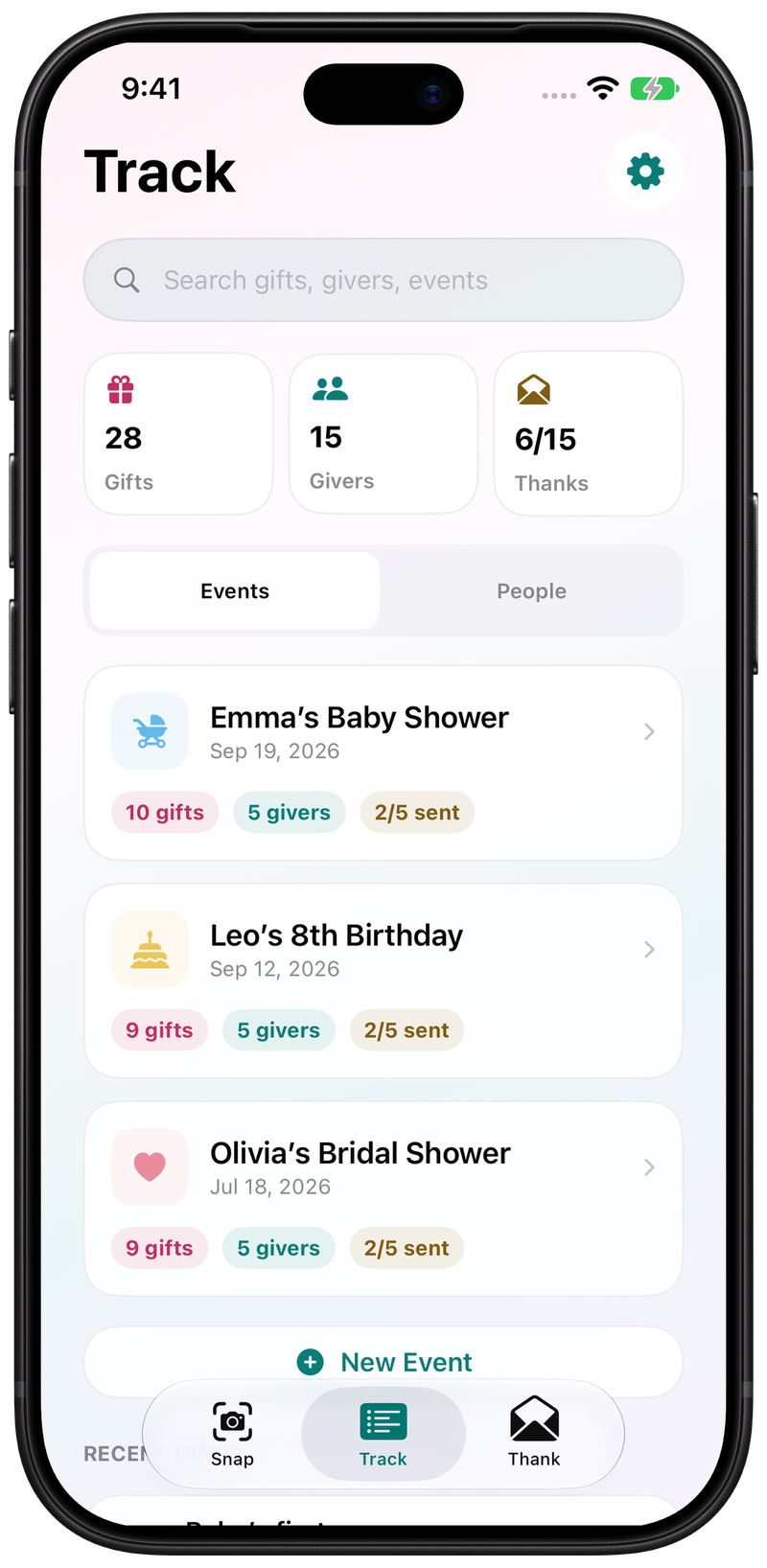
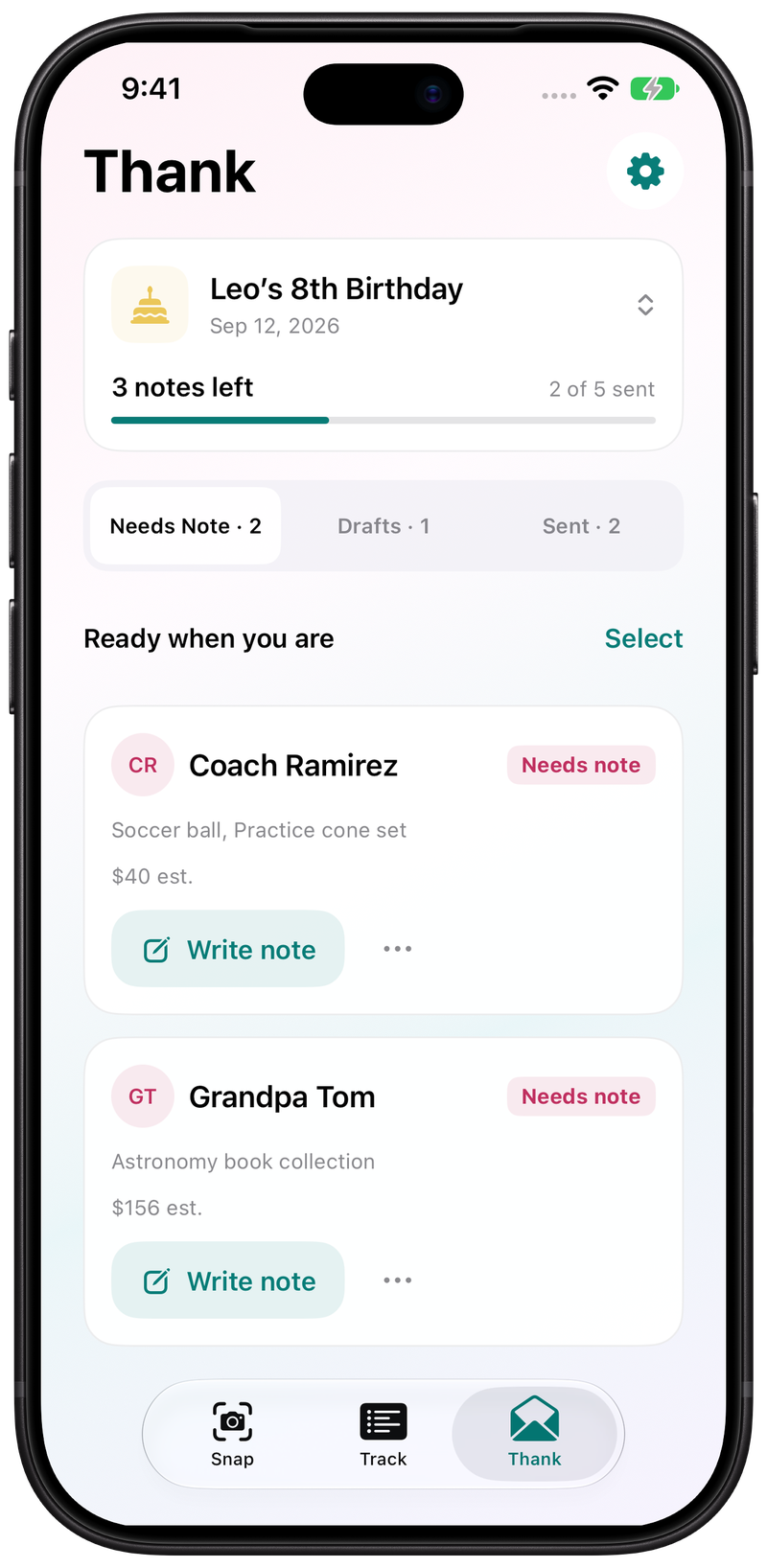
Watch WrapSheet capture a gift, attach it to the right person, and open a thank-you draft. You review the details and edit the note before sending it.
Get WrapSheet freeFor iPhone and iPad. Optional one-time passes, no subscription.
First, snap. Open the camera, frame the gift, and it pulls the item. It reads the card too, so you know exactly who it's from. Add it to someone you already know, or a new giver, right there.
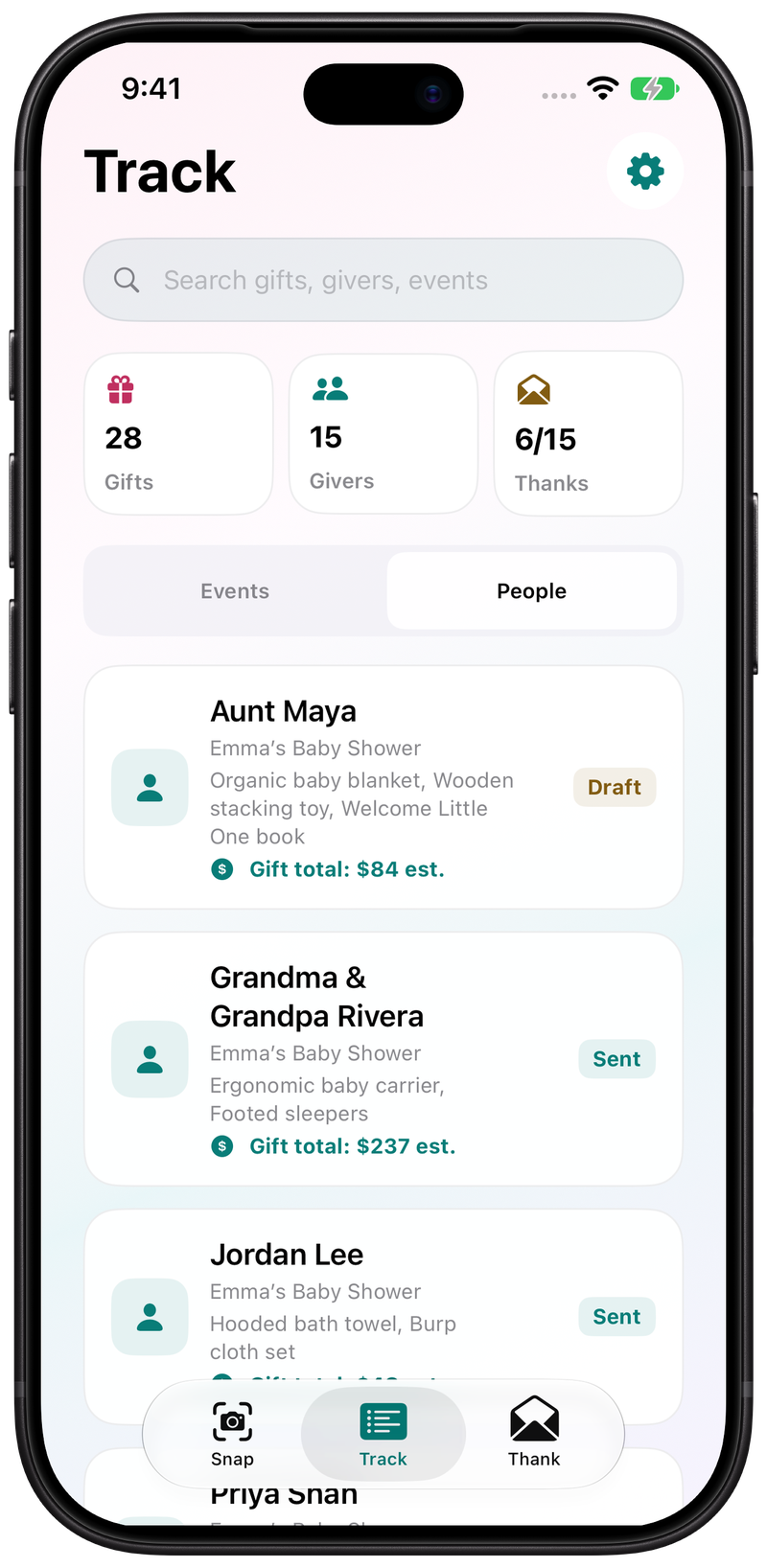
Then, track. Everything lands under the event, by person. Aunt Maya and Uncle Ben both brought something? No guessing later.
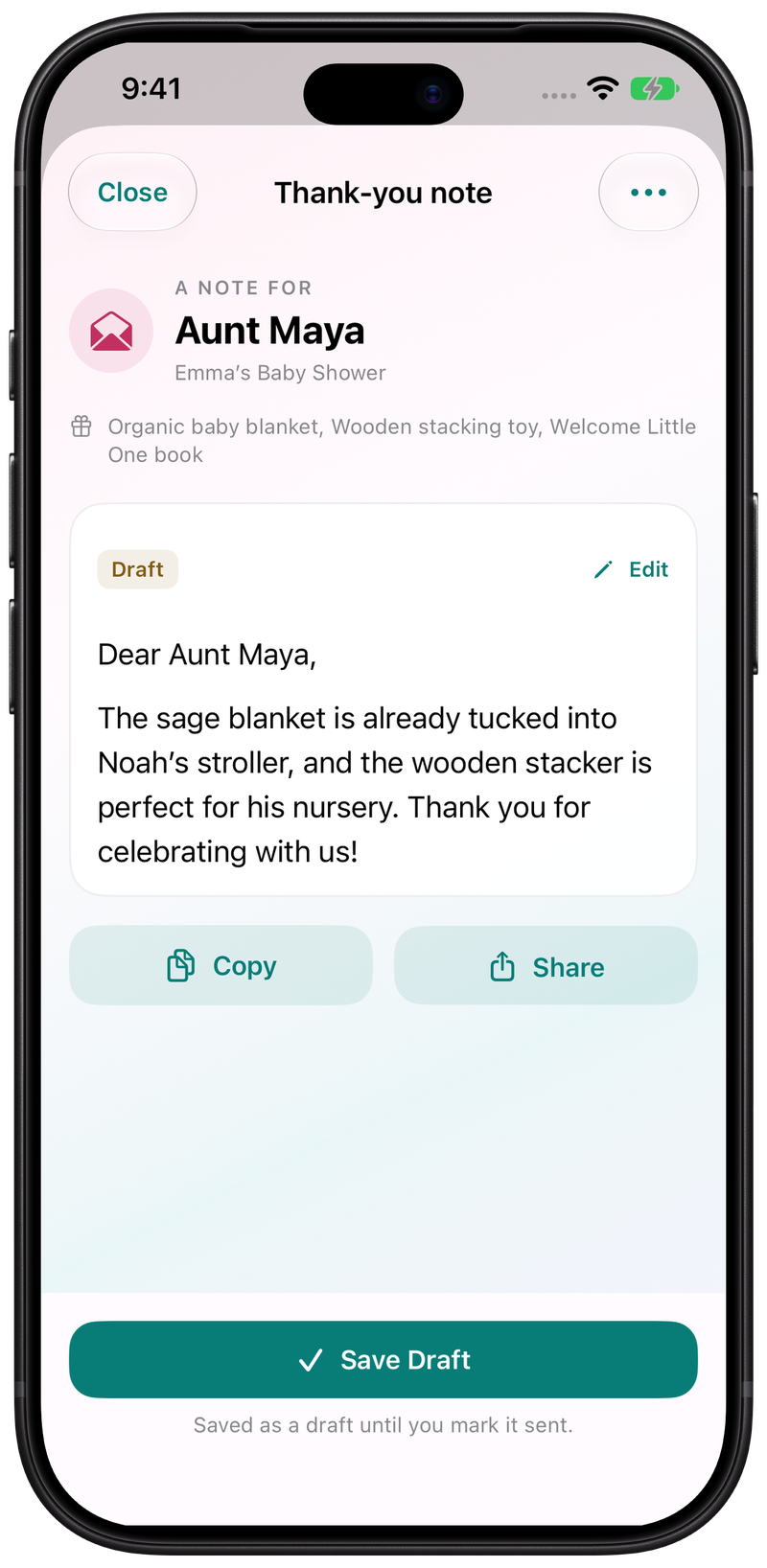
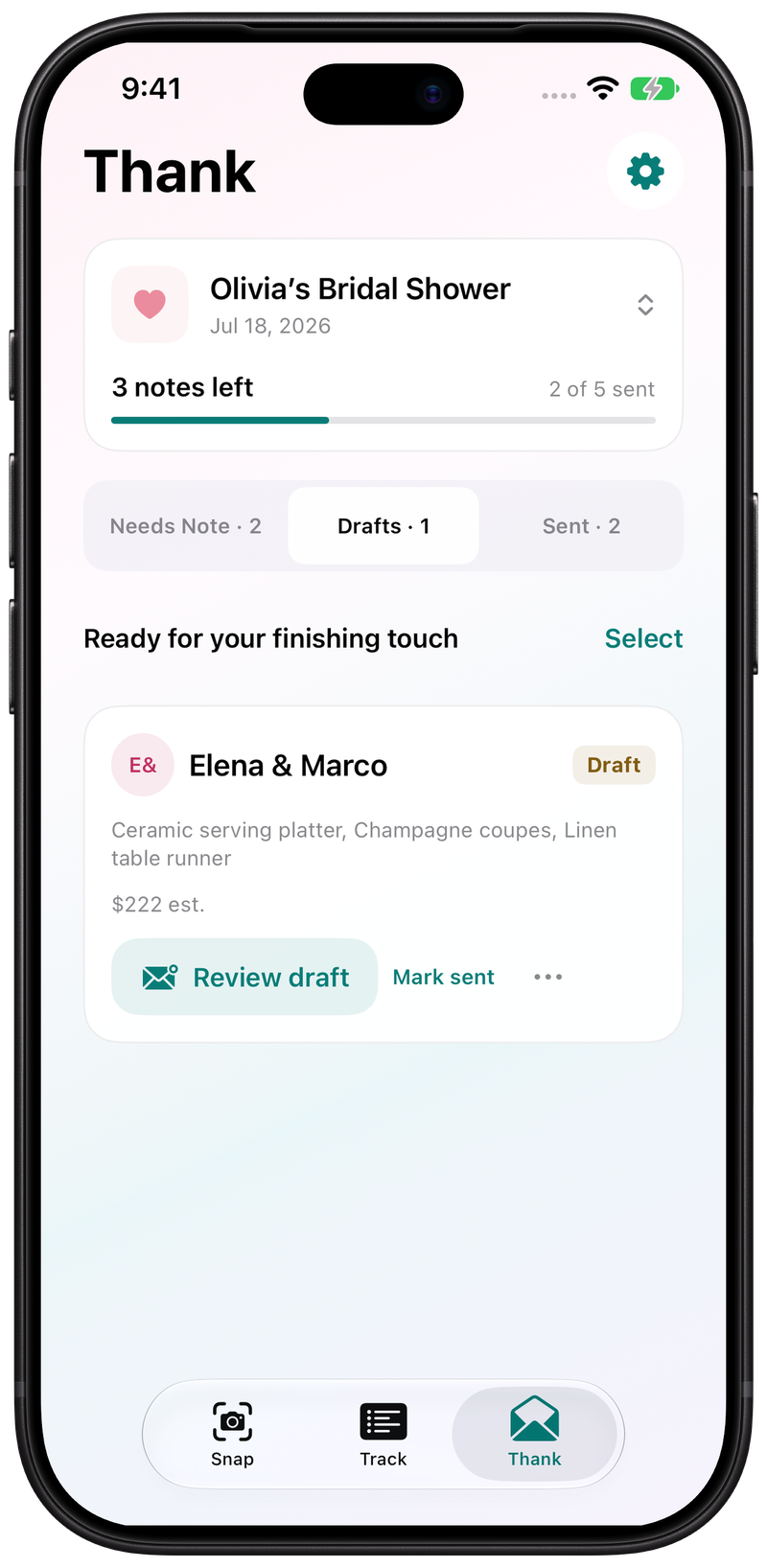
Finally, thank. Pick the event, open the drafts, and get a note that already mentions the gift. Tweak a line if you want, then send it. Weekend saved!
Example event shown. Create your own baby shower event and use the same tools. AI results can vary; confirm the gift and giver before saving.
Cards get tucked under tissue paper. Boxes move from table to floor to car. WrapSheet gives the note-taker a simple place to keep each gift tied to the right giver.
Photograph gifts and cards as they are opened, save giver details with each gift, and draft editable thank-you notes from the saved list.
Take a photo of the gift, card, or both. WrapSheet can help identify gift details so the list starts clean.
Add the giver and keep the gift record tied to the right person before cards and packaging get separated.
When you are ready, WrapSheet helps turn each saved gift into an editable thank-you draft for you to review.
Use one focused flow for the person keeping the official baby-shower gift list.
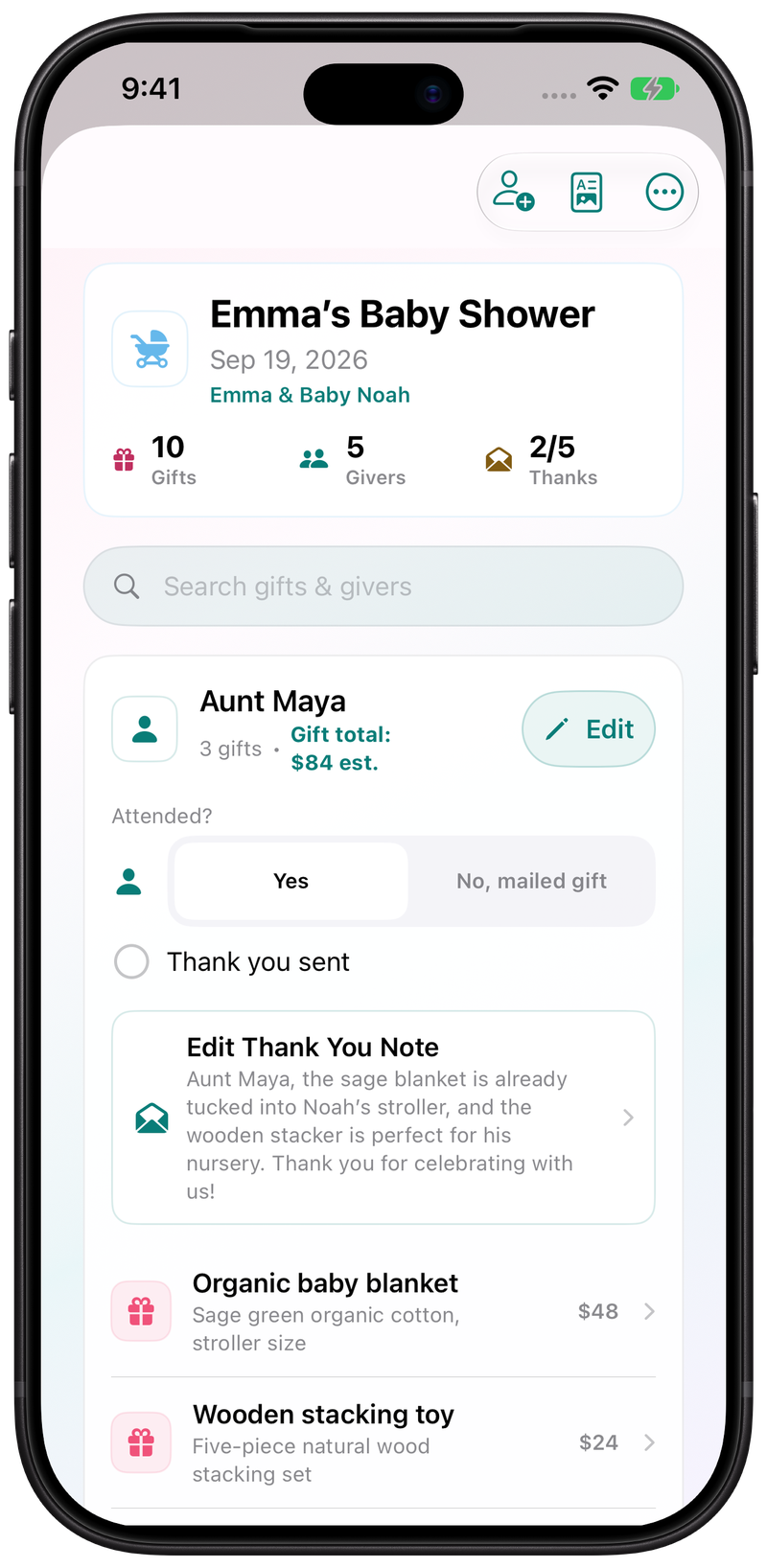
A baby shower event list for gifts received, not a registry, shopping tool, mailing list, or card-sending service.
Snap gifts and cards during or after the shower so details stay close to the gift record.
Save giver details with each gift and edit records as you clean up the list.
Review what is saved, drafted, and ready for your next thank-you step.
Create editable thank-you drafts based on the gifts and givers you saved.
Try WrapSheet for free. One-time passes are available if you need more scans or drafts.
Gift entries are stored on your device, with optional iCloud sync.
Real app screens in Apple's iPhone 18 Pro bezel. The events and names are examples.
If you need more AI scans and drafts, choose a 7-day pass for $4.99, 14 days for $7.99, or 30 days for $9.99 in the US App Store. Check the app for your free allowance and local pricing.
AI results may vary. You review and edit the final gift details and thank-you drafts.
Gift entries are stored on your device, with optional iCloud sync. When you use AI gift scanning, photos are sent for real-time AI processing and are not stored by WrapSheet after processing.
Optional website analytics measures visits and App Store clicks, not completed installs. We do not sell personal data. See Privacy Policy.
No. WrapSheet is for tracking gifts you receive at a baby shower and turning that list into thank-you drafts. It is not a registry, shopping tool, gift recommendation app, or marketplace.
Yes. It is designed for the shower moment: snap the gift or card, add the giver, and keep the list organized while gifts are being opened.
No. WrapSheet helps draft editable thank-you notes from your saved gift list. It does not send cards, manage mailing lists, or provide a printed-card workflow.
WrapSheet is free to download and start. Check the app for your current free allowance. You can choose a one-time pass if you need more scans or drafts.
Choose one person to keep the official list on the device being used. Optional iCloud sync uses one personal iCloud account; it is not a shared workspace across unrelated Apple accounts.
Yes. Add the presents you brought home and confirm the givers from their cards or your existing notes. You can draft thank-yous from that list when you are ready.

Download WrapSheet, create a baby-shower event, and save your first gift with giver details.
Start your baby shower gift trackerTess on thank-yous, gift piles, and the week after the party.